 Quick preview
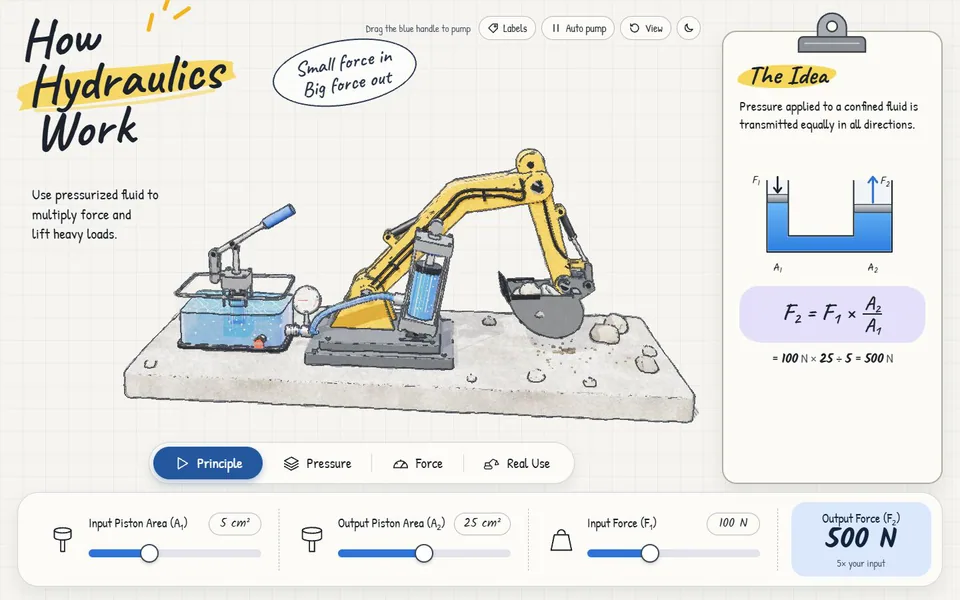
Adjust the pistons and input force to lift a tiny excavator arm.
By The Bugged Dev
Learning
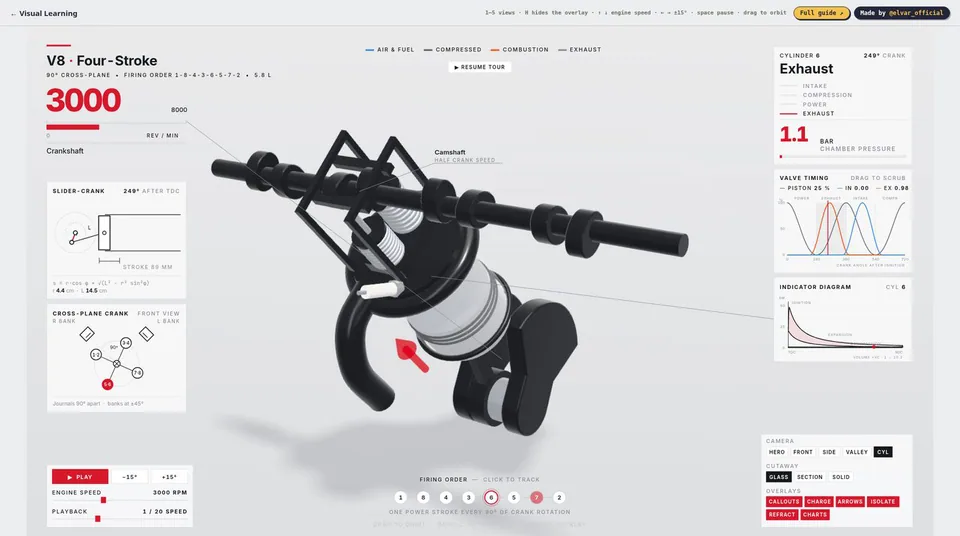
Change a four-stroke V8’s speed and inspect an isolated cylinder, piston and valves.
By Elvar ↗
Open experience ↗Opens on the creator’s website01 / GET STARTED
Wait for the model, click to take over, adjust engine speed and press 5 for the cylinder view.
02 / ABOUT THE CREATION
Moving parts and synchronized charts bring the engine cycle together.
03 / MORE TO KNOW
The 3D scene can be demanding; the separate SECTION view and mobile were not tested.
Quick preview Adjust the pistons and input force to lift a tiny excavator arm.
 Quick preview
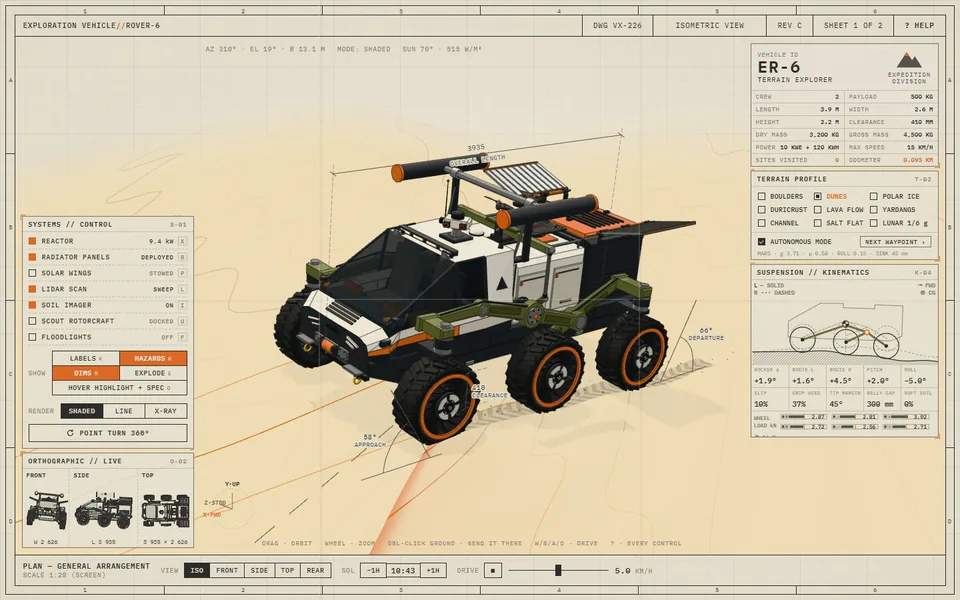
Switch terrain and drive a six-wheeled rover while observing its wheels and motion.
 Quick preview
Step into a cozy pixel-art seaside village and begin an adventure.